

OrcaSlicer-ImageMap: An OrcaSlicer Fork with Image Printing Support (via overhang modulation)

Test print with white, beige, light and dark blue PLA:
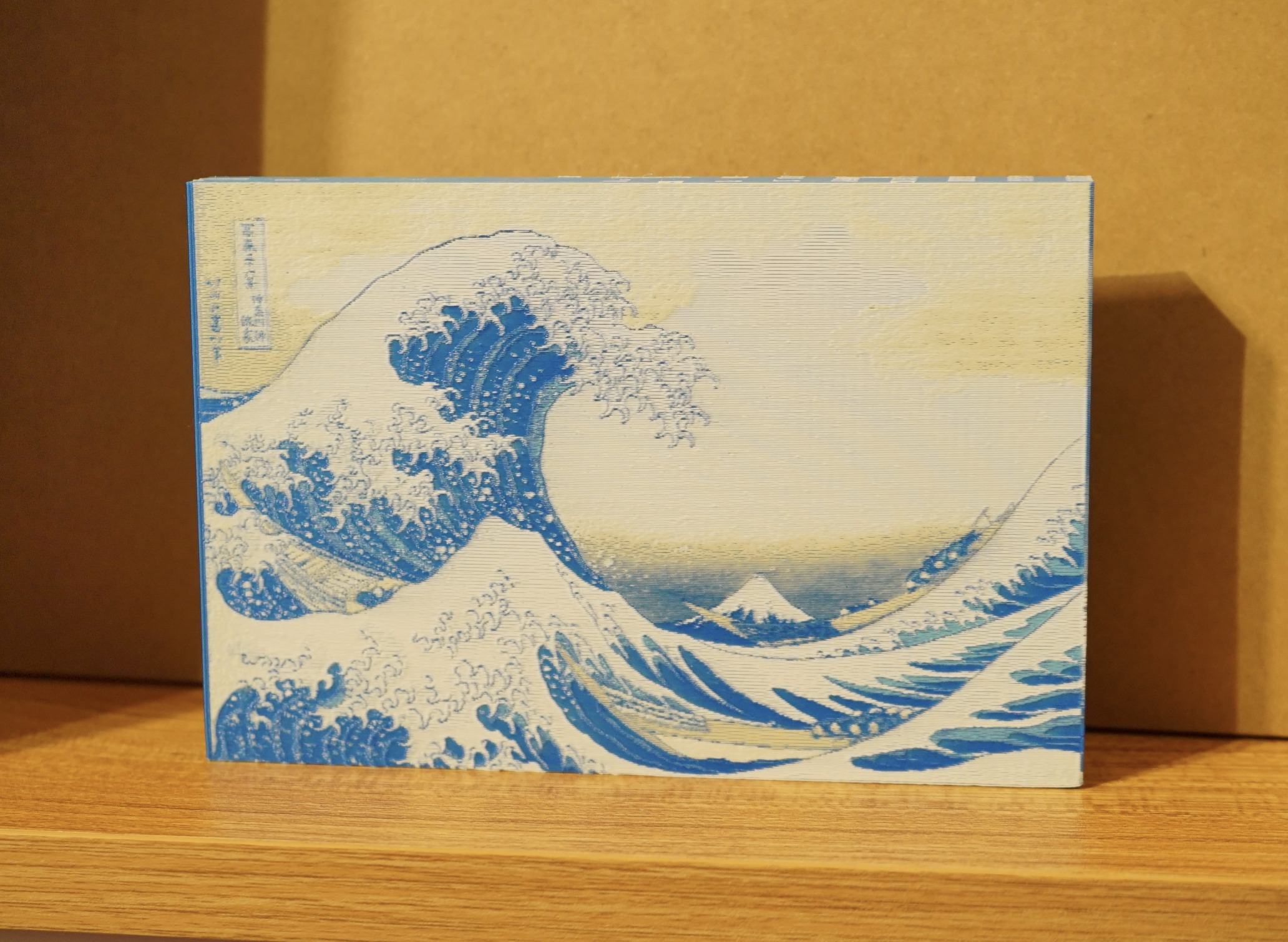 (image: The Great Wave off Kanagawa - Katsushika Hokusai)
This color sheet was printed with CMYK PLA:
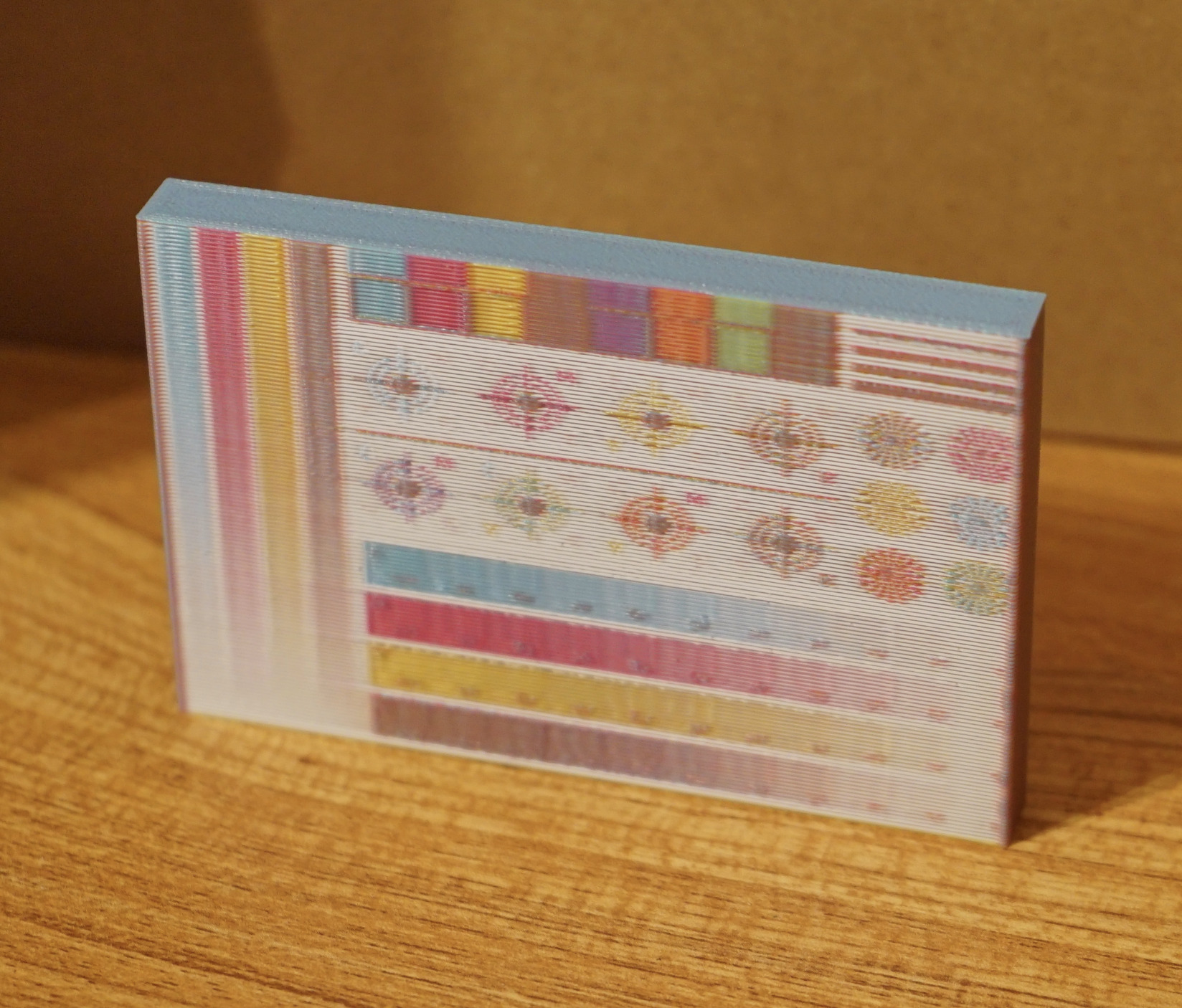 (test sheet image Designed by Freepik)
Official links
Gitlab Repository: 
Downloads: 
⚠️ IMPORTANT DISCLAIMER ⚠️
This fork is currently in active development and has been tested on actual hardware.
- Use at Your Own Risk: As with any slicer fork, please review critical prints and generated G-code before production use
OrcaSlicer-ImageMap Features
Texture Mapping
- Create Images on the surface of your 3D prints - each layer alternates through a fixed CMYK (or other) pattern, only varying the amount of overhang around the edge of your print. This creates a smooth surface, printing your image texture on the model with no additional seams.
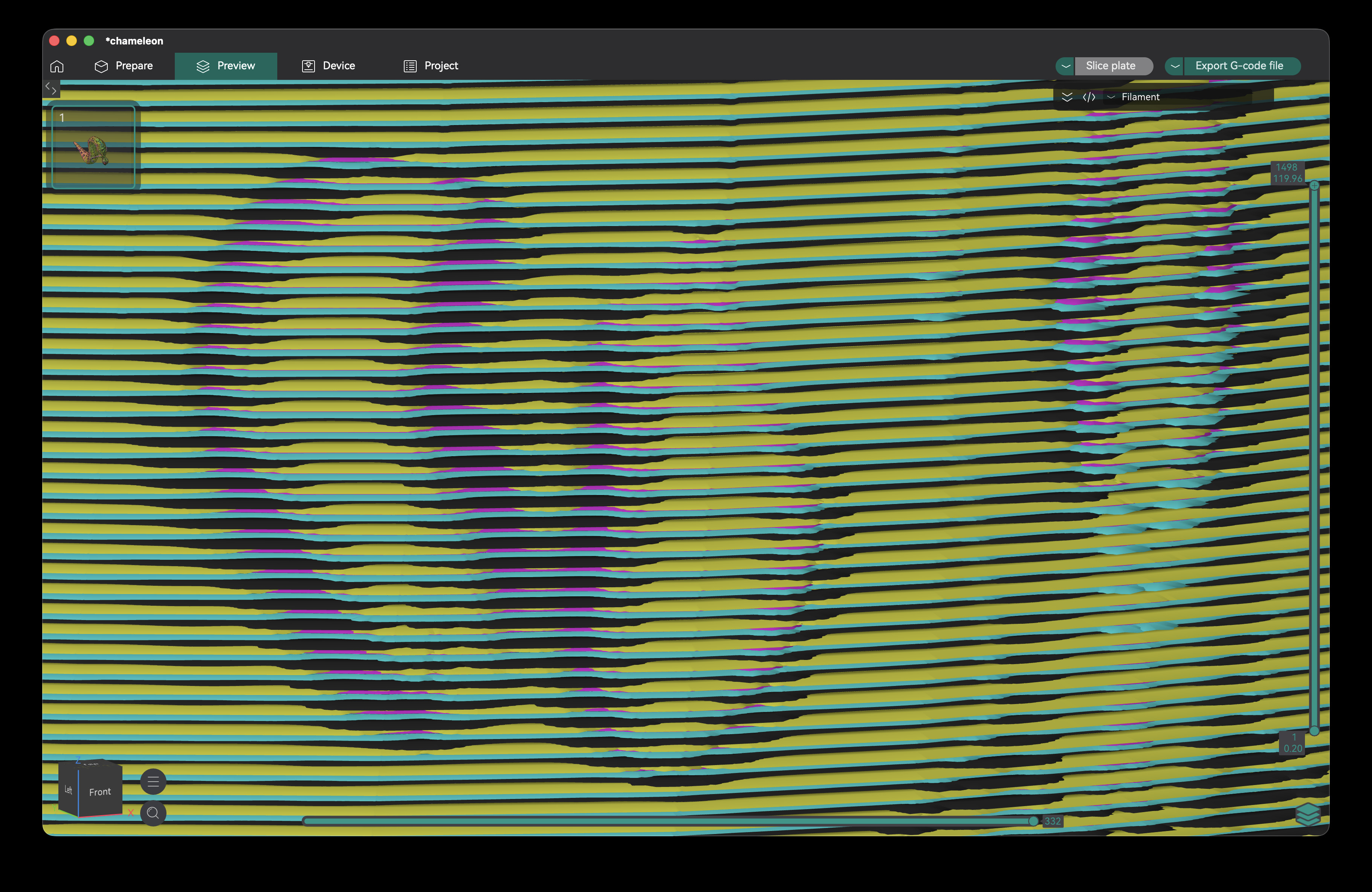
Zoomed-out G-code preview:
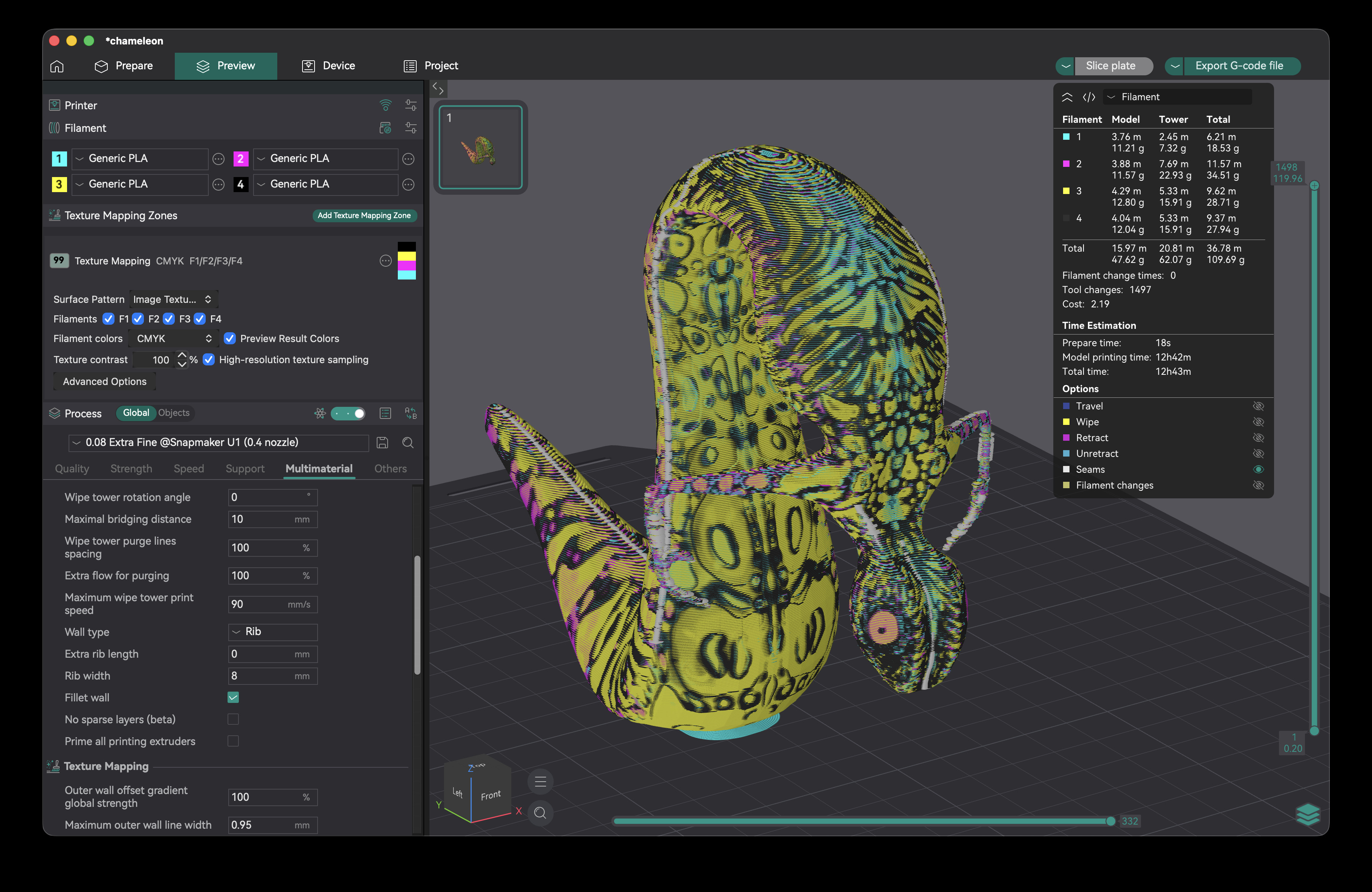
OBJ Image Texture Loading
- Load OBJ files with image textures or vertex colors - slice in full image resolution, no need to subdivide your model or bake vertex colors first
Fast multicolor printing
- When printing image textures with this fork, only a single color is used per layer (not dependent on texture color). You can print many different models at once without increasing the number of tool changes.
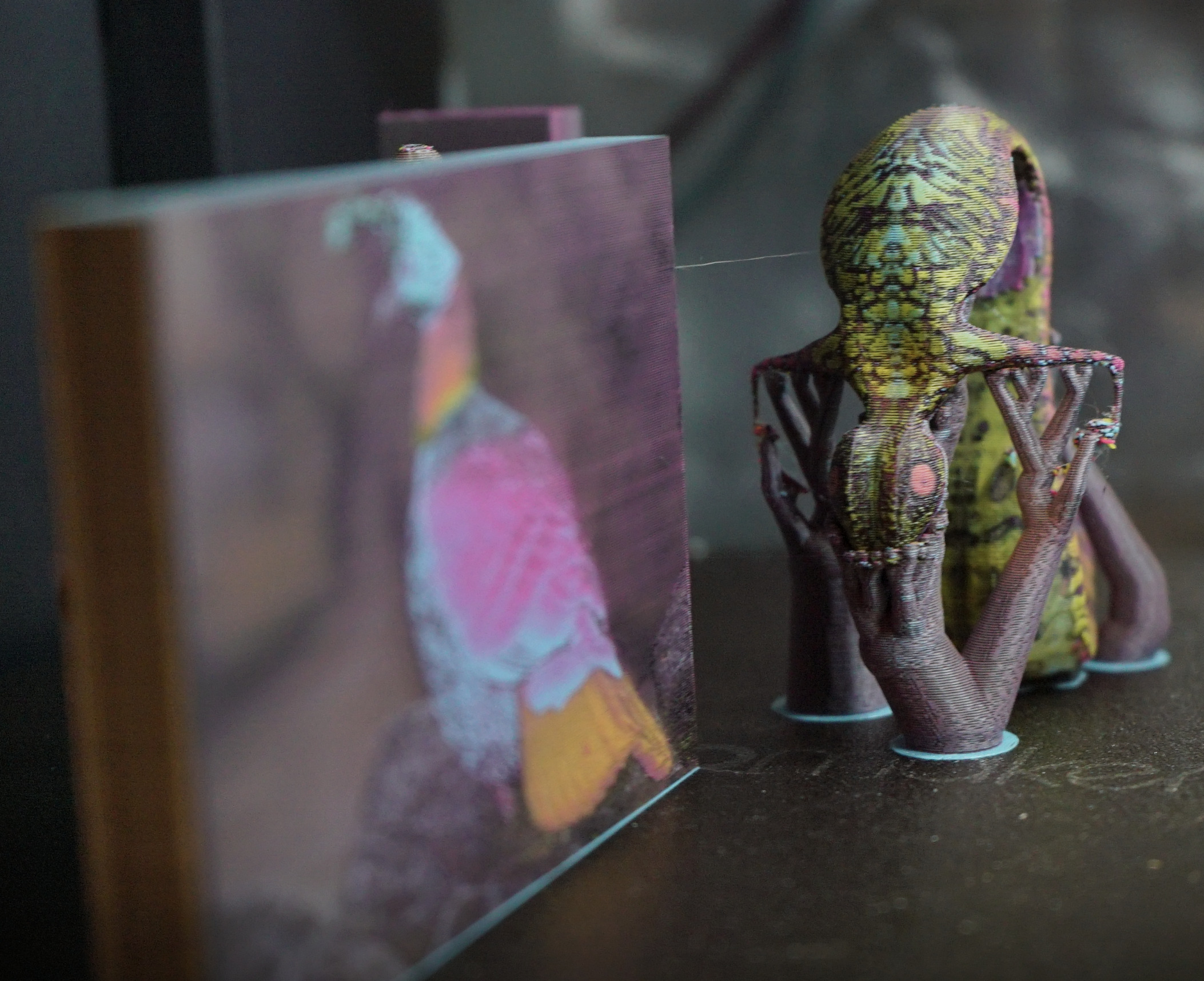
(3D model by Pedram Ashoori, CC BY 4.0)
Print images on your prime towers
- Turn your prime towers into ornaments (requires no extra tool changes, and typically <1g additional filament)
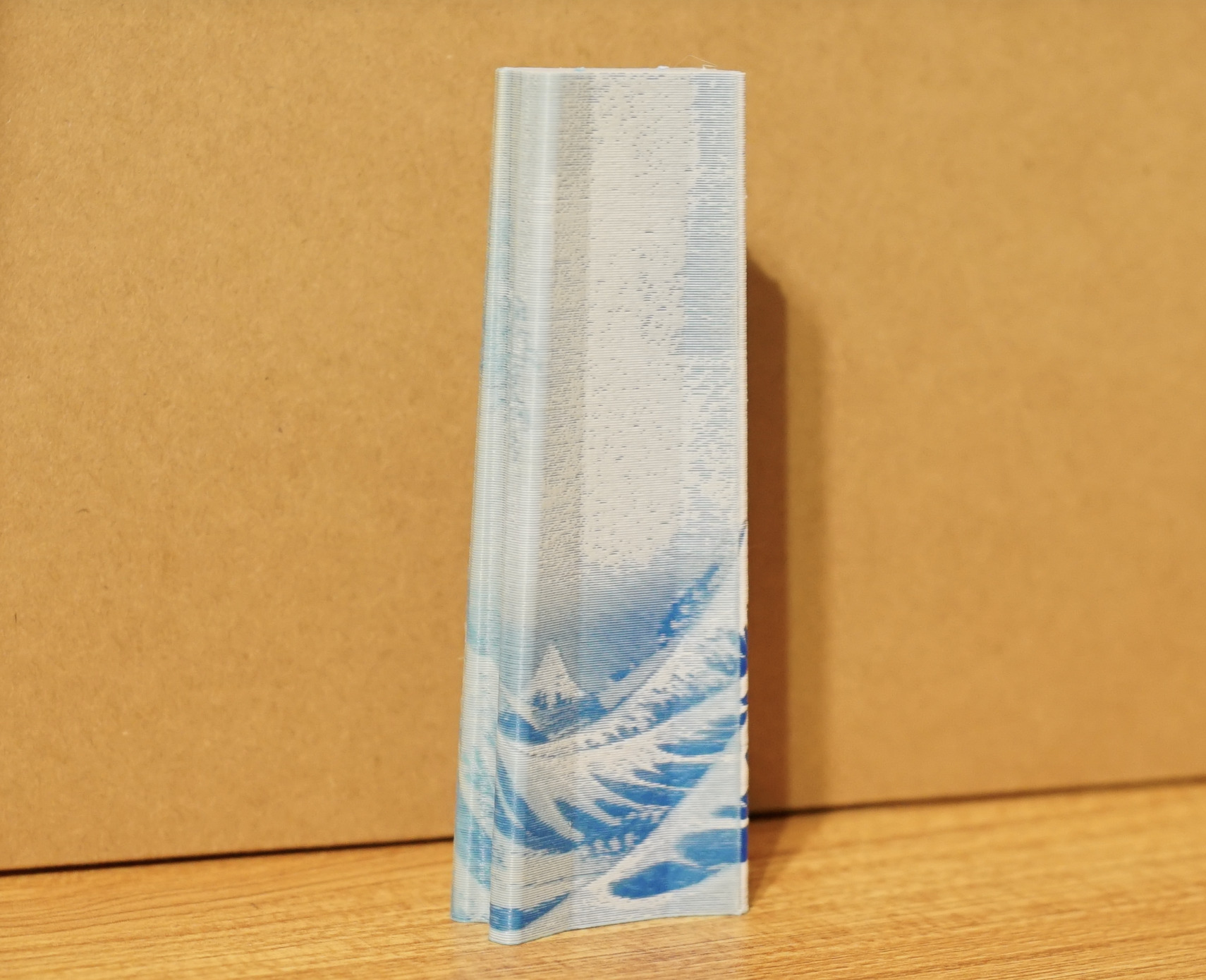
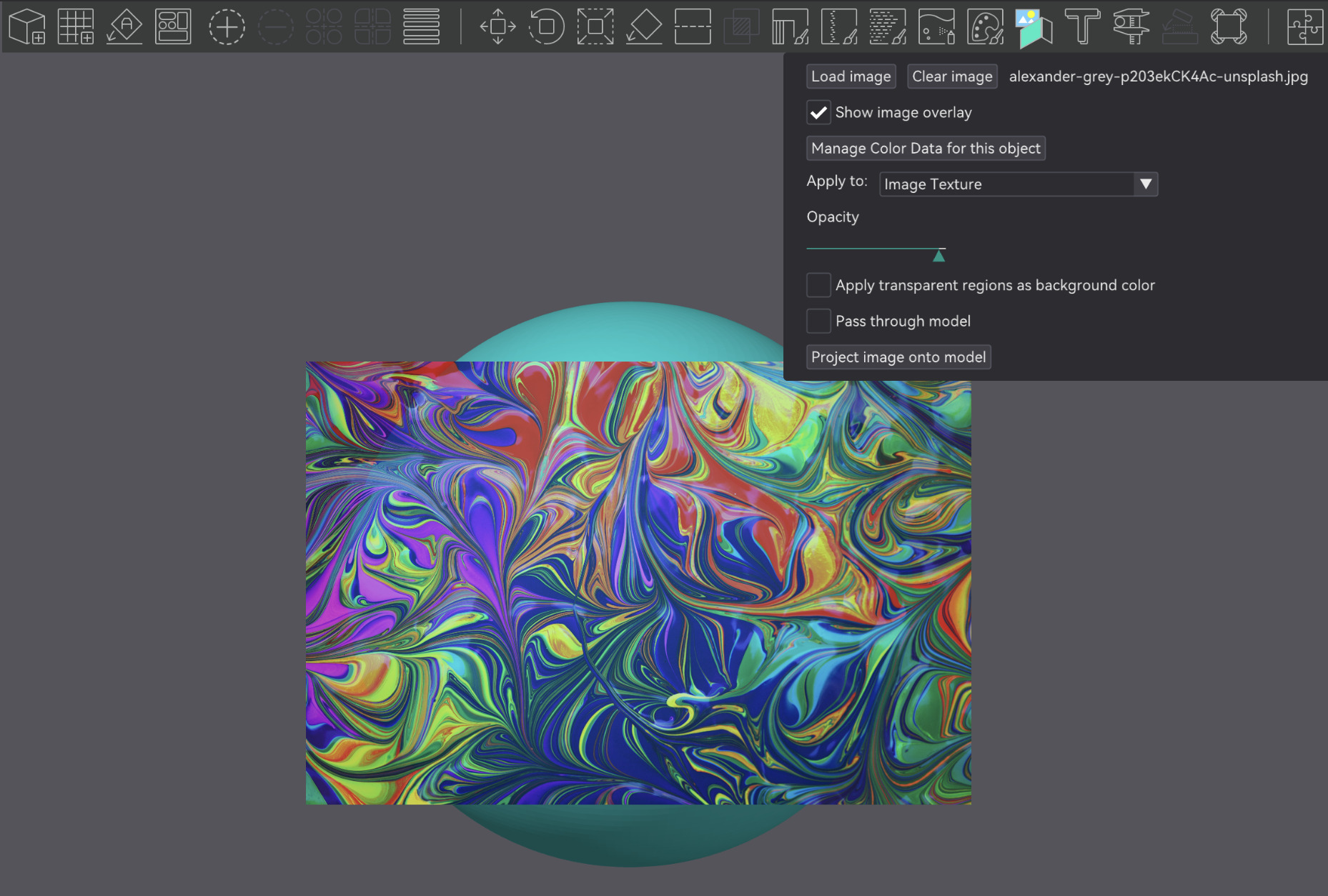
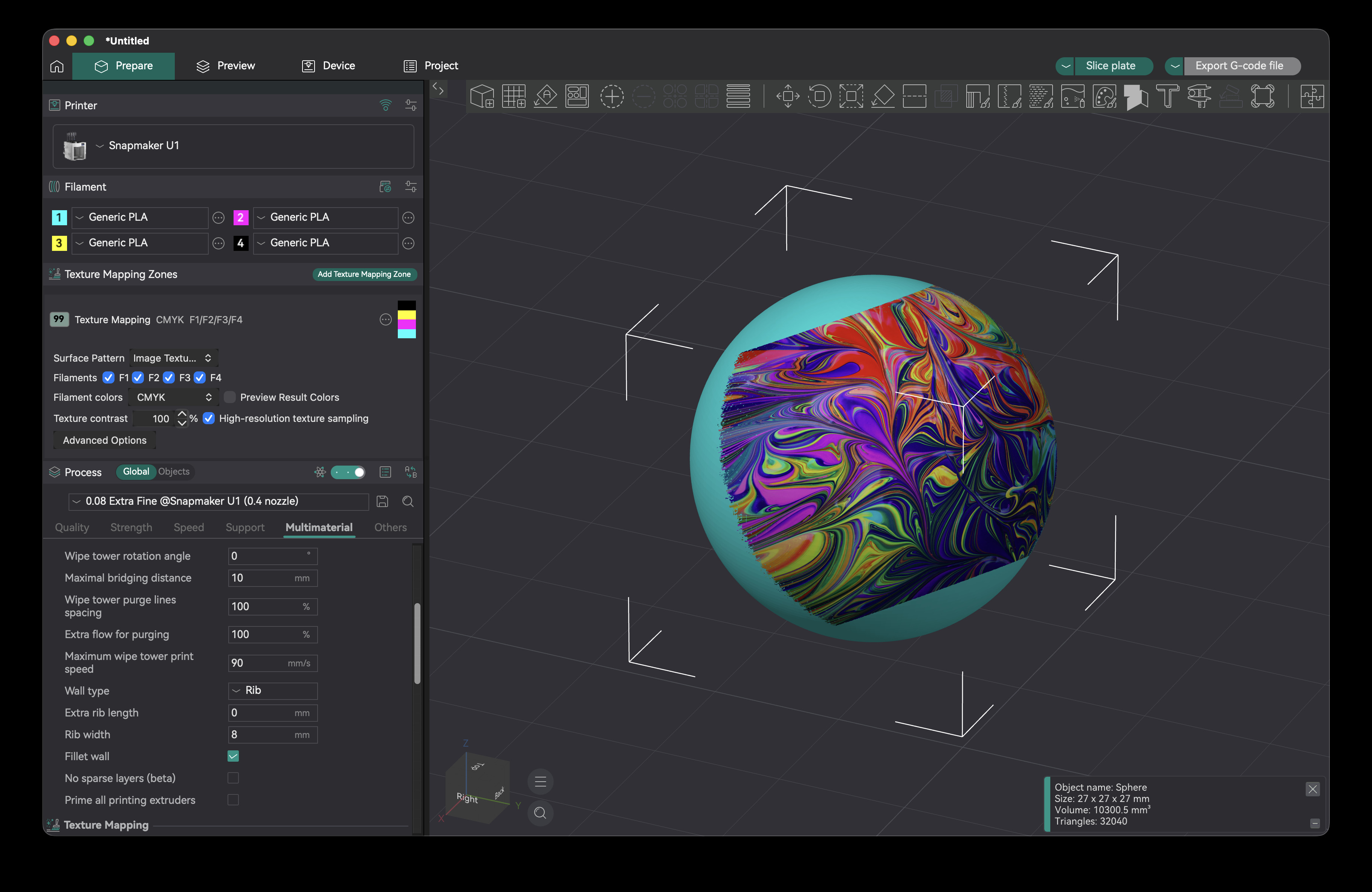
Image Projection
2D Gradient Generation
- Create 2D Gradients on your object by changing a texture mapping zone's pattern to "2D Gradient"
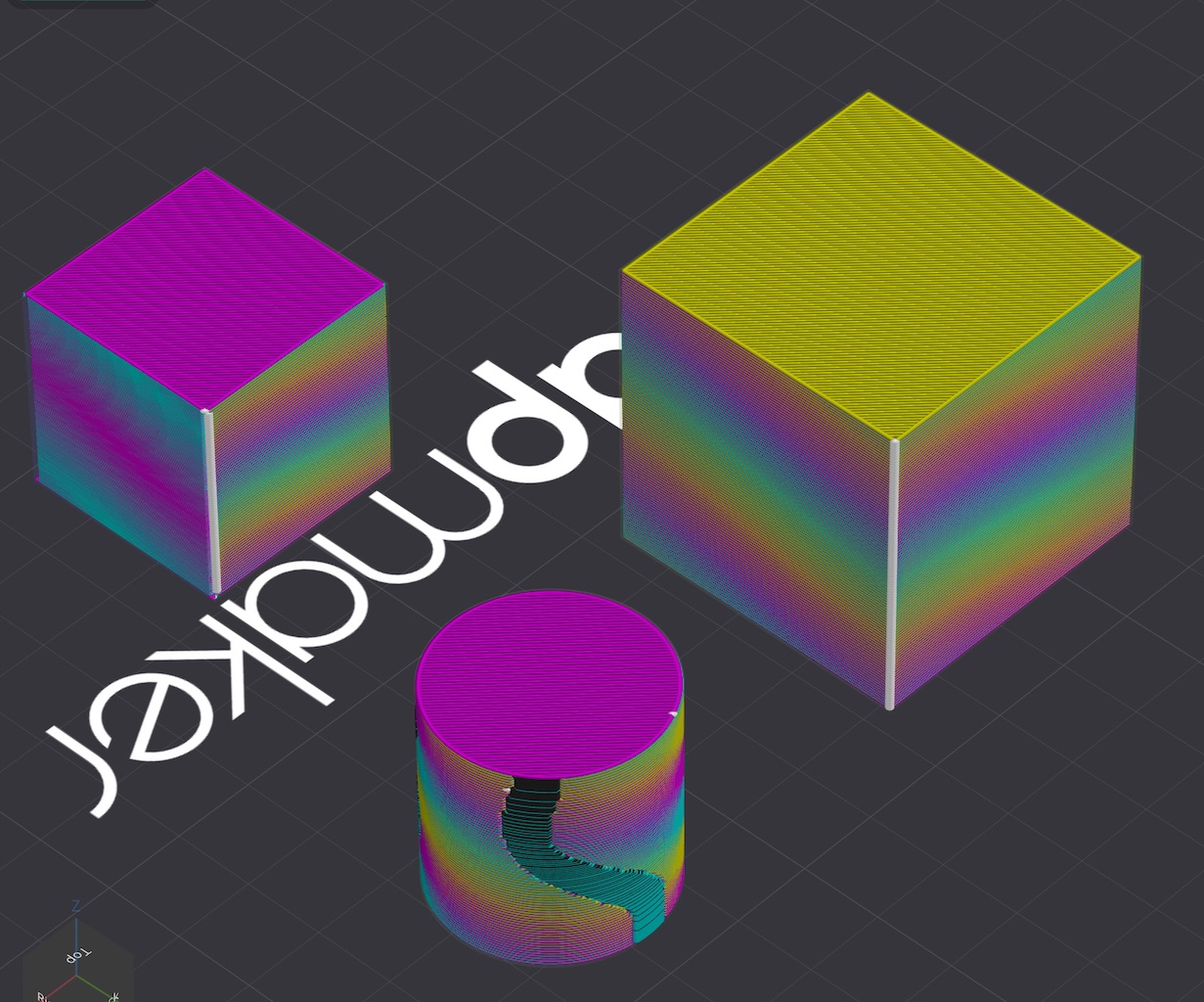
Paintable regions
- Texture mapping and gradients integrate with OrcaSlicer color painting, so if you wanted you could have texture mapping only on one part of the model, and a solid filament color or gradient somewhere else.
RGB Color Painting
Download
Beta Release Builds
📥 Download the Latest Build
Explore the latest developments in OrcaSlicer-ImageMap with our builds for MacOS and Windows. Feedback is highly appreciated.
How to install
Windows
Download the Windows Portable build for your preferred version from the releases page.
-
Troubleshooting
- If you have troubles to run the build, you might need to install following runtimes:
- MicrosoftEdgeWebView2RuntimeInstallerX64
- vcredist2019_x64
- Alternative Download Link Hosted by Microsoft
- This file may already be available on your computer if you've installed visual studio. Check the following location:
%VCINSTALLDIR%Redist\MSVC\v142
Mac
-
Download the DMG for your computer from the package repository
-
Drag OrcaSlicer.app to Application folder.
-
The macos builds in this repository are not signed, so to run you also need to follow the instructions below:
Quarantine
-
Option 1 (You only need to do this once. After that the app can be opened normally.):
- Step 1: Hold cmd and right click the app, from the context menu choose Open.
- Step 2: A warning window will pop up, click Open
-
Option 2: Execute this command in terminal:
xattr -dr com.apple.quarantine /Applications/OrcaSlicer.app -
Option 3:
- Step 1: open the app, a warning window will pop up

- Step 2: in
System Settings->Privacy & Security, clickOpen Anyway:

- Step 1: open the app, a warning window will pop up
-


Linux
Currently builds are not available for linux, you must build this yourself
How to Compile
All updated build instructions for Windows, macOS, and Linux are now available on the official OrcaSlicer Wiki - How to build page.
Please refer to the wiki to ensure you're following the latest and most accurate steps for your platform.
Klipper Note
If you're running Klipper, it's recommended to add the following configuration to your printer.cfg file.
# Enable object exclusion
[exclude_object]

# Enable arcs support
[gcode_arcs]
resolution: 0.1
Some Background
Open-source slicing has always been built on a tradition of collaboration and attribution. Slic3r, created by Alessandro Ranellucci and the RepRap community, laid the foundation. PrusaSlicer by Prusa Research built on Slic3r and acknowledged that heritage. Bambu Studio in turn forked from PrusaSlicer, and SuperSlicer by @supermerill extended PrusaSlicer with community-driven enhancements. Each project carried the work of its predecessors forward, crediting those who came before.
OrcaSlicer began in that same spirit, drawing from BambuStudio, PrusaSlicer, and ideas inspired by CuraSlicer and SuperSlicer. But it has since grown far beyond its origins. Through relentless innovation — introducing advanced calibration tools, precise wall and seam control, tree supports, adaptive slicing, and hundreds of other features — OrcaSlicer has become the most widely used and actively developed open-source slicer in the 3D printing community. Many of its innovations have been adopted by other slicers, making it a driving force for the entire industry.
OrcaSlicer-ImageMap is a fork of OrcaSlicer made by sentientstardust, to add image printing support using overhang and alternating CMYK (or other color) layers.
The OrcaSlicer logo was designed by community member Justin Levine (@freejstnalxndr).
Acknowledgements
Use of filament overhang to create the appearance of continuous imagery based on Kuipers, et. al 2018
Thanks to neotko for giving me some helpful suggestions on overhang implementation when I was working on 2D gradient functionality
License
- OrcaSlicer-ImageMap is licensed under the GNU Affero General Public License, version 3. OrcaSlicer-ImageMap is forked from OrcaSlicer.
- OrcaSlicer is licensed under the GNU Affero General Public License, version 3.
- The GNU Affero General Public License, version 3 ensures that if you use any part of this software in any way (even behind a web server), your software must be released under the same license.
- OrcaSlicer includes a pressure advance calibration pattern test adapted from Andrew Ellis' generator, which is licensed under GNU General Public License, version 3. Ellis' generator is itself adapted from a generator developed by Sineos for Marlin, which is licensed under GNU General Public License, version 3.
- The Bambu networking plugin is based on non-free libraries from BambuLab. It is optional to the OrcaSlicer and provides extended functionalities for Bambulab printer users.
- This repository uses Pigment Painter in order to predict how filament colors will mix. Pigment Painter is licensed under the GNU General Public License, version 3.